Does Headroom Actually Cut Your AI Coding Agent's Token Bill? We Ran 12 Benchmarks
Headroom is a wrapper that sits between your AI coding agent and the model and promises to cut your token bill by compressing the context it sends. The pitch is appealing (same agent, fewer tokens, lower cost), but "cuts your tokens" is exactly the kind of claim that deserves a stopwatch and a receipt. So we ran the agent 12 times, with and without Headroom, on a real coding task, and counted every token.
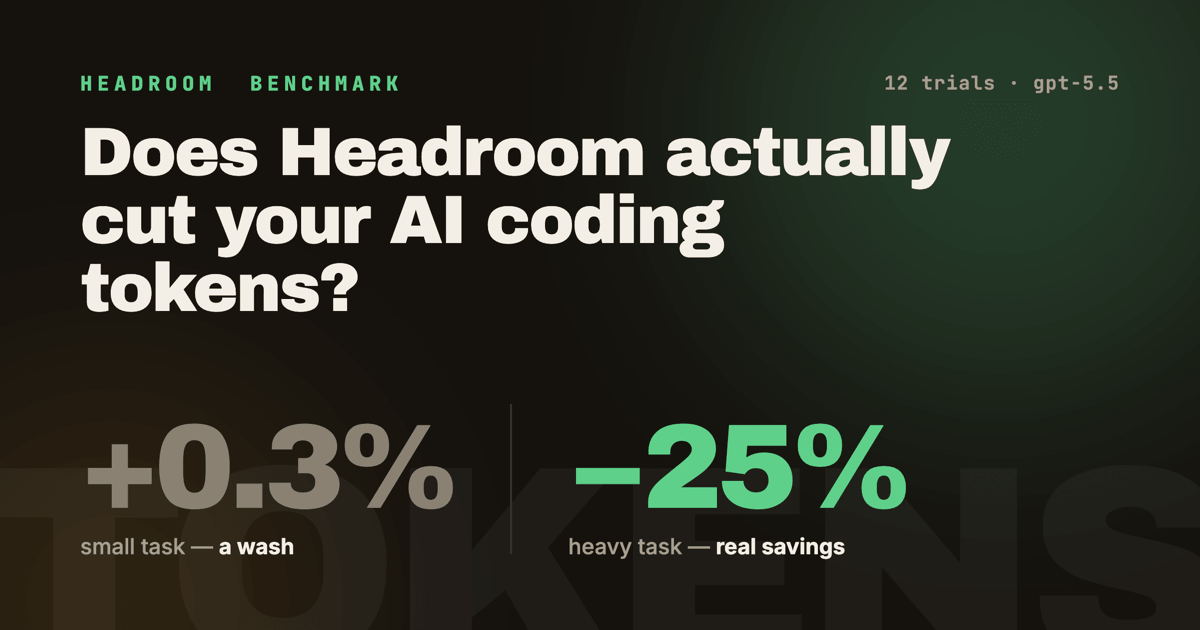
The short version: it depends entirely on how big your task is. On a small job it made no difference. On a heavy, tool-rich one it cut billed tokens by about a quarter to a third — but cost us 15% more wall-clock time.
What Headroom actually is
Headroom installs as a Python package (headroom-ai) and you run your agent through it: headroom wrap codex. Under the hood it acts as a proxy plus a context tool plus an MCP retrieval layer. The core idea is that a lot of what an agent sends back to the model on every turn is bulky and repetitive — verbose shell output, the same files re-read, accumulating conversation history — and a lot of that can be compressed or retrieved on demand instead of shipped in full every time. Its rtk shell-output tool, for example, advertises "60–90% savings on shell output."
That's the theory. We wanted the number.
The question, framed skeptically
The honest question is whether putting your agent behind Headroom actually reduces the tokens you pay for, without breaking the work it does.
To answer that in a way you can verify (rather than trusting a dashboard stat), we didn't measure synthetic prompts. We had the agent build a real application from an empty directory, end to end, and we checked that the resulting app actually worked (tests passing, real API calls succeeding) in every single run. If a token-saving wrapper quietly breaks the agent, cheaper is worthless.
What we tested with: the app
"Wait, what was the app?"
Each run built the same project from scratch: hn-tracker, a Python CLI that tracks Hacker News over time. We picked it because it forces the agent to do real, varied work — web searches for current library versions, concurrent HTTP, a database layer, a test suite, and a live API call at the end we could verify.
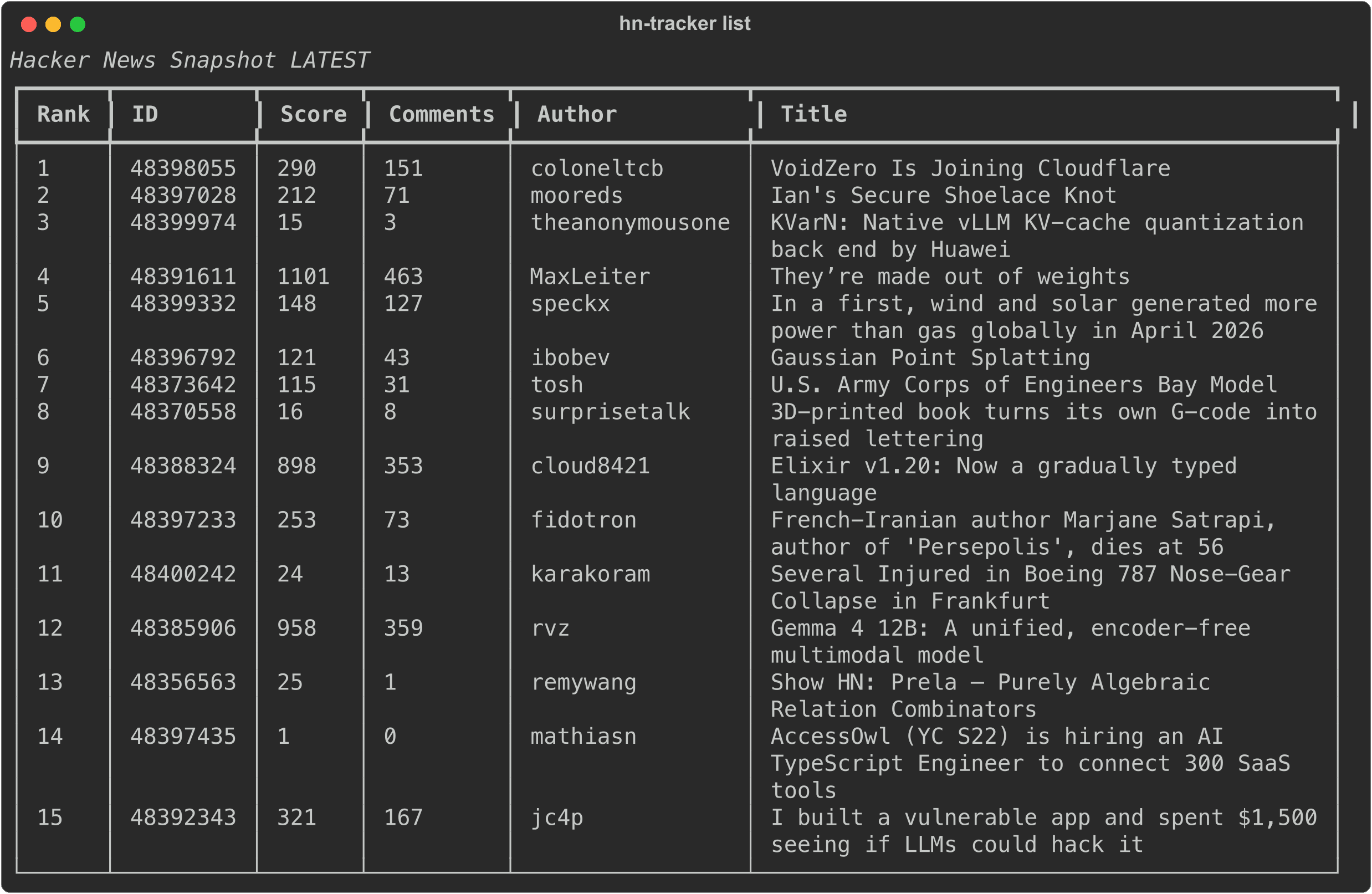
The heavy version of the prompt asked for eight subcommands (fetch, list, diff, story, search, stats, export, watch), SQLite FTS5 full-text search, async fetching with httpx, structured logging, a Dockerfile, a GitHub Actions CI workflow, a CHANGELOG, and 10+ tests. Here's one of the finished apps actually running against the live Hacker News API:
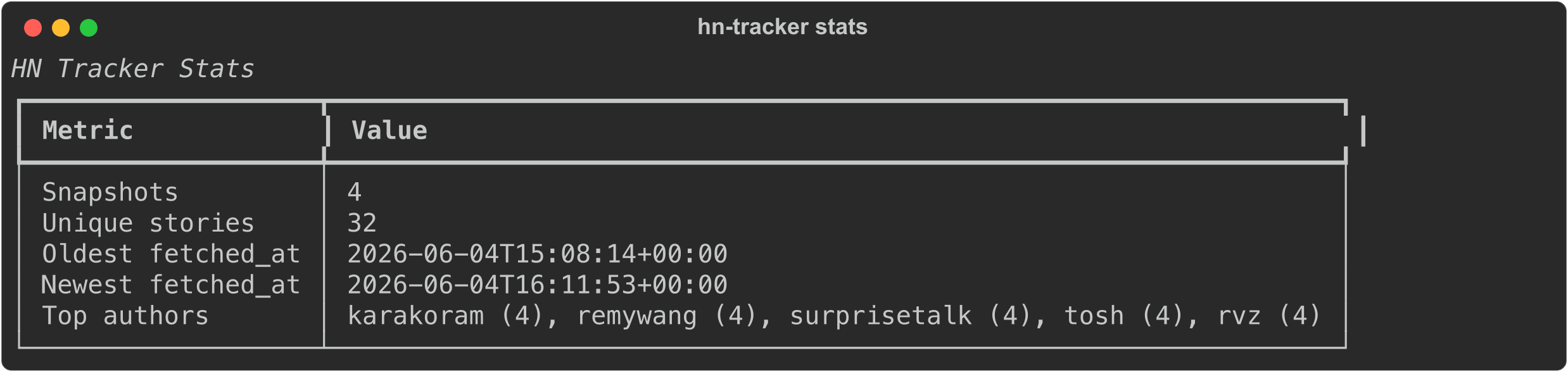
The stats command, reading from the SQLite database the agent built:
And diff, comparing two snapshots to show which stories entered, left, or changed rank:
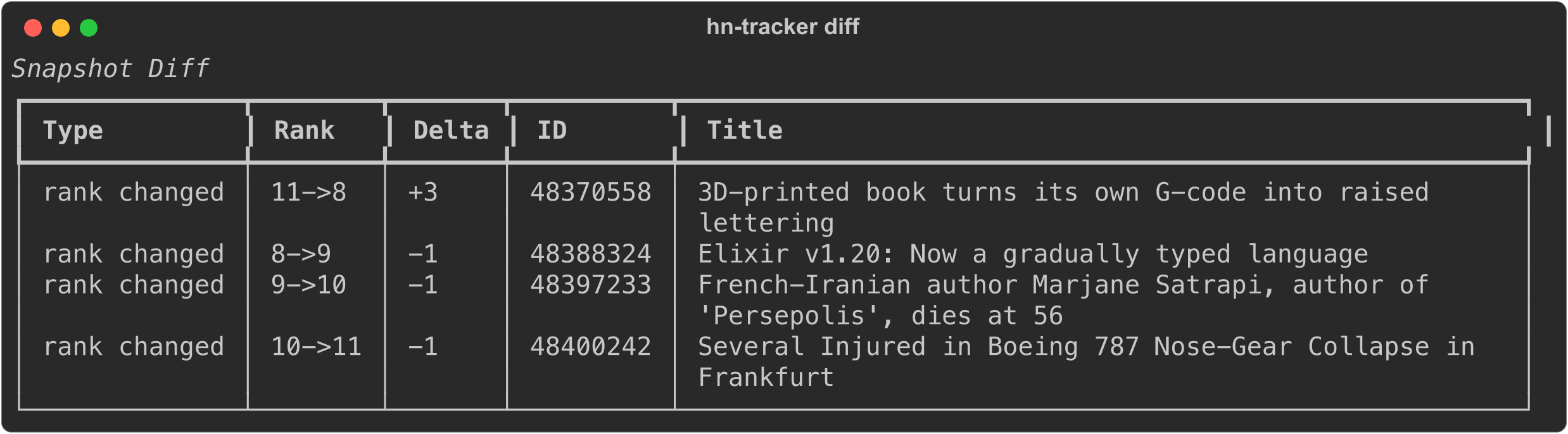
Every one of the 12 runs produced a working app like this. That matters: it means the token numbers below are a fair comparison of two ways of doing the same finished work, not "cheaper because it did less."
How we ran it
We wanted the cleanest comparison we could build:
- Two identical, clean VMs (Ubuntu 24.04 via Lima), differing only in whether Headroom was installed. Each run started from an empty workspace so there was no leftover context to pollute the numbers.
- The same agent and model in both: OpenAI's Codex CLI on
gpt-5.5, with web search enabled. (We used Codex because that's where we had spare credits; Headroom is agent-agnostic.) - 12 runs total, in two rounds of six, alternating vanilla / wrapped (V, H, V, H, V, H) to spread out any time-of-day variance in the API.
- Round 1 — a small task: a 3-command version of the CLI.
- Round 2 — a heavy task: the full 8-command version described above.
For tokens we report billed tokens = fresh input + output + reasoning, excluding cached input (which the provider discounts heavily, so counting it would flatter both sides equally and hide the real signal).
To stop ourselves from moving the goalposts after seeing the results, we wrote the verdict criteria before running anything:
| Outcome | Criteria |
|---|---|
| ✅ Worth it | Headroom mean billed tokens ≥ 25% lower, AND ≥ 2 of 3 wrapped runs ship a working app |
| 🟡 Worth it with caveats | 10–25% savings, OR savings but at more than 25% extra wall-clock time or turns |
| ❌ Not worth it | Under 10% savings, OR wrapped runs fail where vanilla succeeds |
Result 1: on a small task, it's a wash
On the 3-command CLI, Headroom made essentially no difference to the bill:
| Vanilla mean | Headroom mean | Δ | |
|---|---|---|---|
| Billed tokens | 60,528 | 60,737 | +0.3% |
| Fresh input tokens | 53,621 | 52,437 | −2.2% |
| Output tokens | 5,859 | 7,208 | +23.0% |
| Wall time (s) | 166.7 | 198.3 | +19.0% |
| Working apps | 3/3 | 3/3 | tied |
Why nothing happened: on a short session there's barely any fresh context to compress. Most of the input is the cached system prompt and tool schemas, the shell output is tiny (pytest -q, git status --short), and Headroom's own injected instructions add back roughly as much context as it saves. Net: zero, plus a latency tax.
Result 2: on a heavy task, real savings
On the full 8-command build, the picture flips hard:
| Vanilla mean | Headroom mean | Δ mean | Δ median | |
|---|---|---|---|---|
| Billed tokens | 118,751 | 89,566 | −24.6% | −31.0% |
| Fresh input tokens | 102,591 | 72,443 | −29.4% | −39.1% |
| Output tokens | 14,799 | 15,796 | +6.7% | +5.0% |
| Wall time (s) | 381.3 | 439.7 | +15.3% | +15.8% |
| Tool calls | 28.0 | 33.7 | +20.2% | +22.2% |
| Working apps | 3/3 | 3/3 | tied |
Headroom cut billed tokens by about a quarter on average — a third at the median — driven almost entirely by a ~30–39% drop in fresh input tokens. That's exactly the verbose, accumulating context (repeated pytest -v runs, tree output, large file reads, growing history) the tool is built to compress.

The headline: savings scale with task size
Put the two rounds side by side and the real finding is obvious — Headroom's value is a function of how much context there is to compress:
| Task | Vanilla billed (mean) | Headroom billed (mean) | Savings |
|---|---|---|---|
| Small (3 commands) | 60,528 | 60,737 | +0.3% (none) |
| Heavy (8 commands, FTS5, CI, Docker) | 118,751 | 89,566 | −24.6% |

Short one-shot tasks have almost nothing to compress; long, tool-heavy sessions have a lot, and the savings compound across turns. The bigger the job, the more Headroom earns its keep.
The catch: you trade time for tokens
The token savings aren't free. On the heavy task, Headroom cost about 15% more wall-clock time and pushed the agent toward ~20% more (smaller) tool calls. The proxy hop plus the rtk subprocesses add real latency, and the wrapper's instructions nudge the agent into chattier output.

If you're paying per token on a metered API key, that's a clear win. If you're sitting at a terminal waiting for the agent to finish, it's a tax you feel.
Be skeptical of any single run
Variance is real, and it's the reason we ran three of each and report medians next to means. In Round 2, the wrapped runs ranged from 71,592 to 112,475 billed tokens — one run saved almost nothing while others saved 30–40%. If you run Headroom once, see "−40%," and tweet it, you've measured noise as much as signal. Run it several times on your own workload and look at the median.
Should you use it?
| If you're running… | Recommendation |
|---|---|
| Short one-shot tasks (a small script, one bug fix) | Skip it — no measurable token win, pure latency cost. |
| Long, tool-heavy agent sessions (big refactors, multi-file features, lots of test runs) | Try it — expect ~25–30% token savings, accept ~15% more wall time. |
| Cost-sensitive API-key billing at scale | Worth piloting on your real workloads; the savings compound. |
| A flat-rate subscription (like our test) | Marginal token cost is effectively zero, so the bill argument doesn't apply — only consider Headroom for its privacy/memory features, which this benchmark didn't measure. |
| Privacy / on-prem needs | Headroom's other pitch is data-locality. Evaluate that separately — we only tested the token bill. |
What we didn't test
Being honest about the edges of this benchmark:
- Very long sessions (40+ turns), where history compression should compound further than our ~6–7 minute runs.
- Headroom's cross-session memory and multi-agent shared context — invisible in single-session runs.
- Models other than
gpt-5.5, and agents other than Codex — we were limited by the credits we had. - Large existing codebases the agent has to read in (we always started from empty).
The verdict
Against our pre-registered criteria: on a small task, ❌ not worth it (+0.3% savings, pure latency cost). On a heavy, tool-rich task, 🟡 worth it with caveats — 24.6% mean / 31% median token savings, every run shipping a working app, at the price of ~15% more wall-clock time.
"Does Headroom cut your tokens?" Yes — but only when there are enough tokens to cut. The more your agent reads, runs, and re-runs, the more it pays off.
The full methodology, all 12 raw token streams, the orchestration script, and the workspace tarballs are public at github.com/ritza-co/headroom-benchmark if you want to reproduce it or argue with it.